Videos
View All
Share any online account without sharing your password
2026-11-16
Multifactor lets you share any online account without sharing your password. Send a link, and the other person is signed in right in their own browser, with only the access you choose, a clear history of what they did, and the power to revoke it any time.

Share any online account just by sending a link
2026-10-02
Multifactor in five short demos: connect an account once, share it by sending a link and its pass, decide what the link can do, watch every action live, and revoke access in one click. Nobody ever sees the password.

Connect an account to Multifactor
2026-10-01
Add an online account to Multifactor once: pick the site, sign in, and Multifactor signs in for you. After that you can open the account without its password, and share it just by sending a link.
News
View All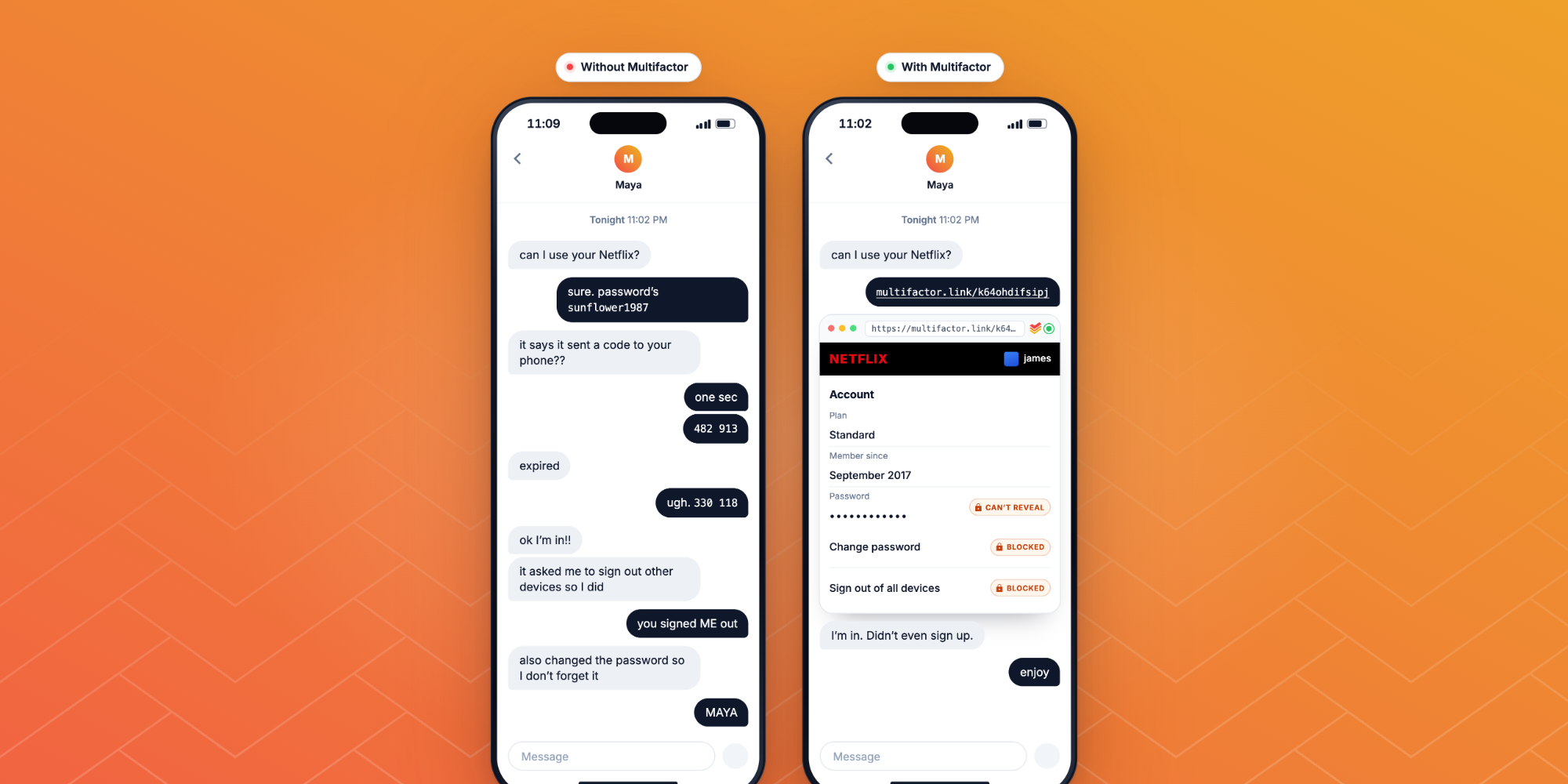
Two Ways to Share an Account
2026-10-07
Maya asks to use your Netflix at 11:02 PM. Text her the password and you end up signed out of your own account. Send a Multifactor link and she’s in without ever seeing it.
Introducing Multifactor Lite: Share Online Accounts by Sending a Link
2026-10-01
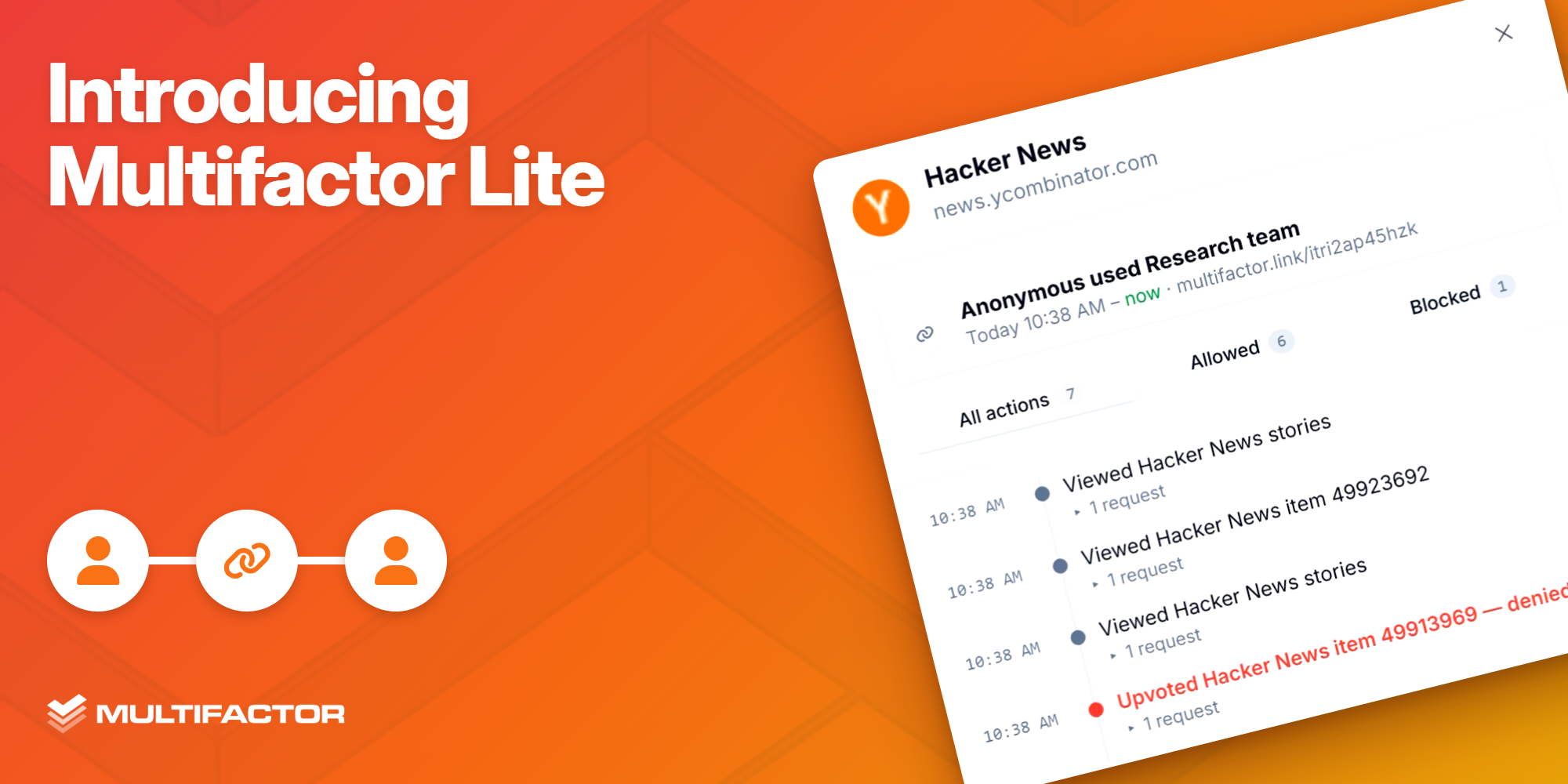
In our second Lock-In Week we cut Multifactor down to the one thing we care about most: sharing an online account by sending a link, with permissions you choose, a live log of every action, and instant revocation. Try it today.
Introducing Notary: Proving What Code a Cloudflare Worker Is Running
2026-09-30
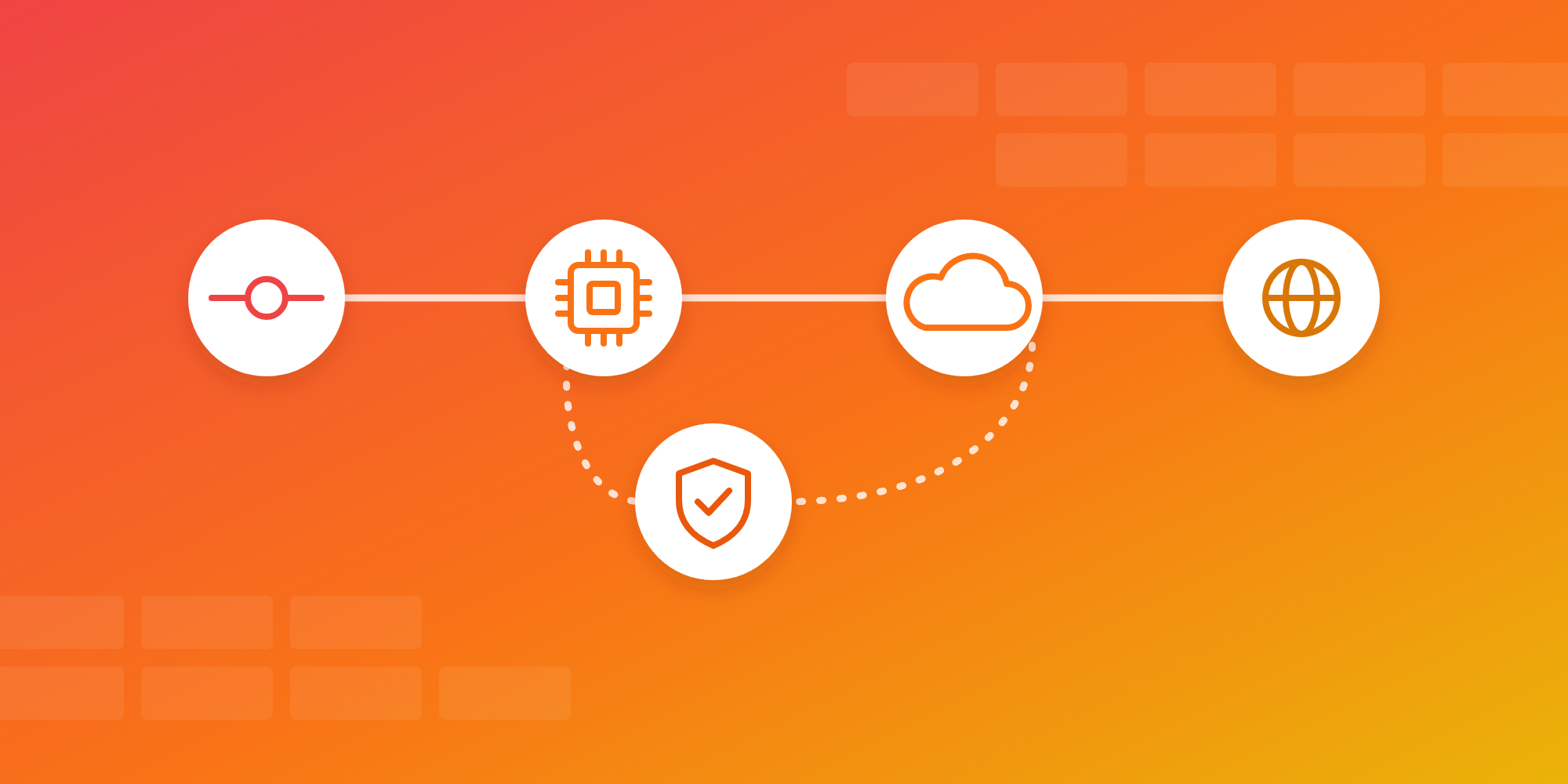
Cloudflare Workers are fast and scale on their own, but nothing lets a third party check what code a Worker is running. Notary pairs a Worker with TEEs so anyone can cryptographically verify the code that is live on a domain.