Demo

Share any online account just by sending a link
2026-10-02
Multifactor in five short demos: connect an account once, share it by sending a link and its pass, decide what the link can do, watch every action live, and revoke access in one click. Nobody ever sees the password.

Connect an account to Multifactor
2026-10-01
Add an online account to Multifactor once: pick the site, sign in, and Multifactor signs in for you. After that you can open the account without its password, and share it just by sending a link.

Share an account just by sending a link
2026-10-01
Share an online account by sending a link and its pass, never the password. Your teammate opens the link, enters the pass, and is signed in straight away.
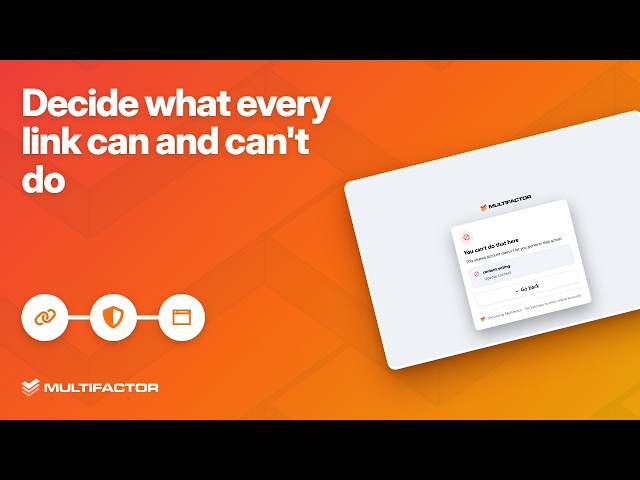
Decide what every link can and can't do
2026-10-01
Every Multifactor share link has its own permissions: read only, read and write, or full access. On a read only link, voting is blocked before it reaches the site.

See every action, live
2026-10-01
Multifactor logs every action taken through a share link, live. Watch each page your teammate opens appear in the link's log as it happens.

Revoke access instantly
2026-10-01
Revoke a Multifactor share link and access ends at once: the person using it is signed out mid-session. Take back access in one click.