Videos
Share any online account without sharing your password
Multifactor lets you share any online account without sharing your password. Send a link, and the other person is signed in right in their own browser, with only the access you choose, a clear history of what they did, and the power to revoke it any time.
Related videos
Watch next
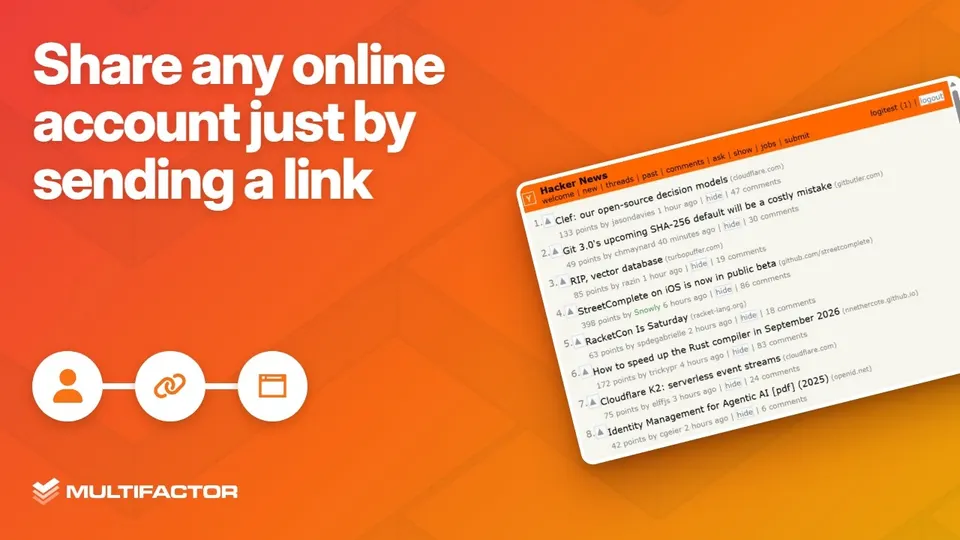 Length 1:33
Share any online account just by sending a link
Multifactor in five short demos: connect an account once, share it by sending a link and its pass, decide what the link can do, watch every action live, and revoke access in one click. Nobody ever sees the password.
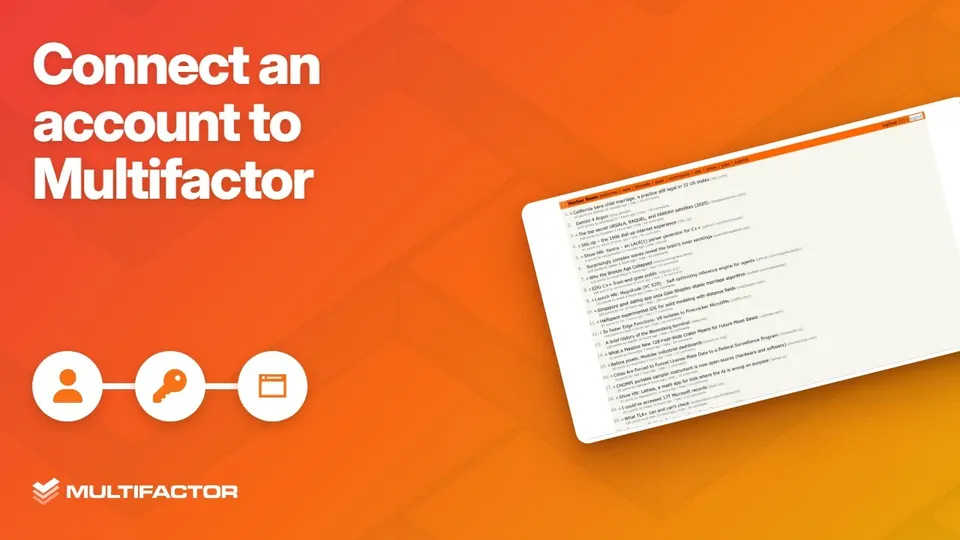 Length 0:43
Connect an account to Multifactor
Add an online account to Multifactor once: pick the site, sign in, and Multifactor signs in for you. After that you can open the account without its password, and share it just by sending a link.
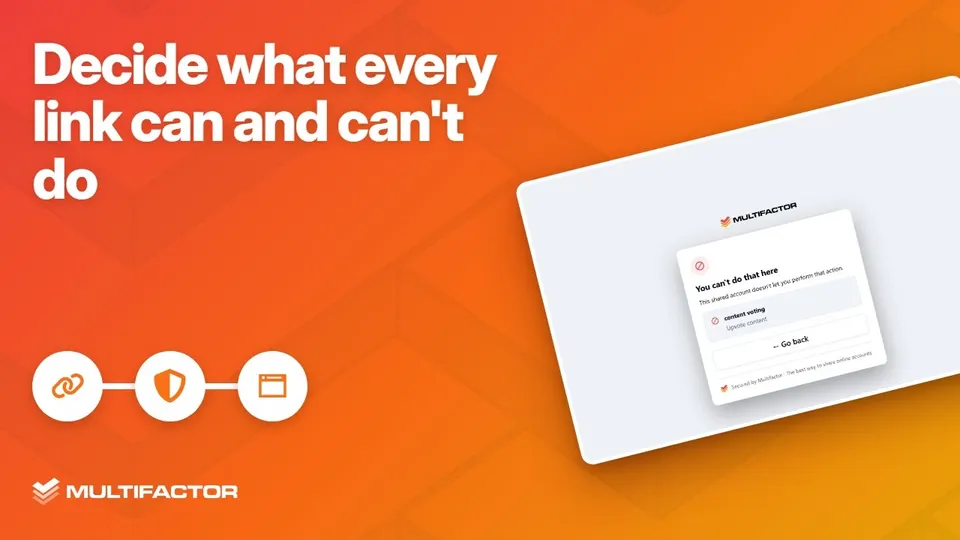 Length 0:26
Decide what every link can and can't do
Every Multifactor share link has its own permissions: read only, read and write, or full access. On a read only link, voting is blocked before it reaches the site.
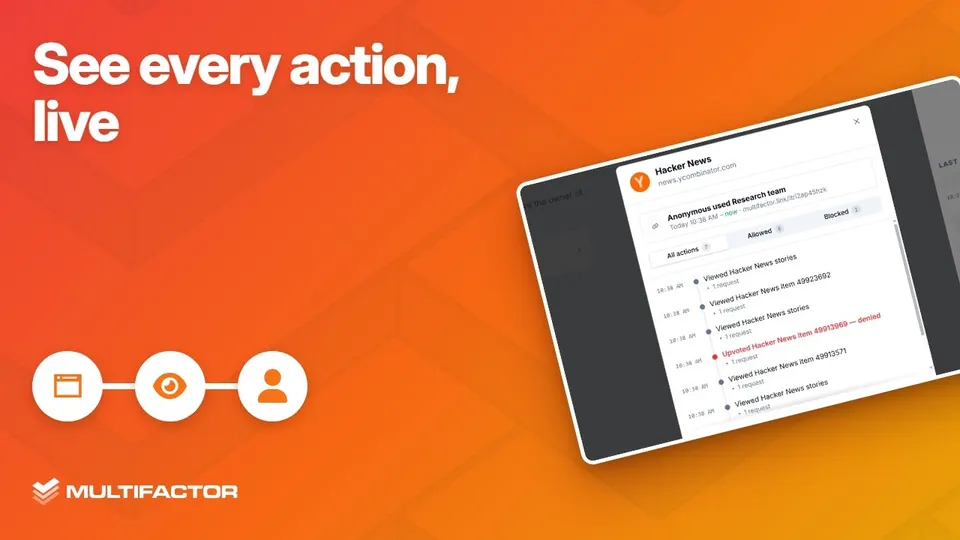 Length 0:26
See every action, live
Multifactor logs every action taken through a share link, live. Watch each page your teammate opens appear in the link's log as it happens.
Share your first account in under a minute.
Get started for free. Discover your new favorite way to share online accounts.